Realplayer cannot install

Realplayer cannot install 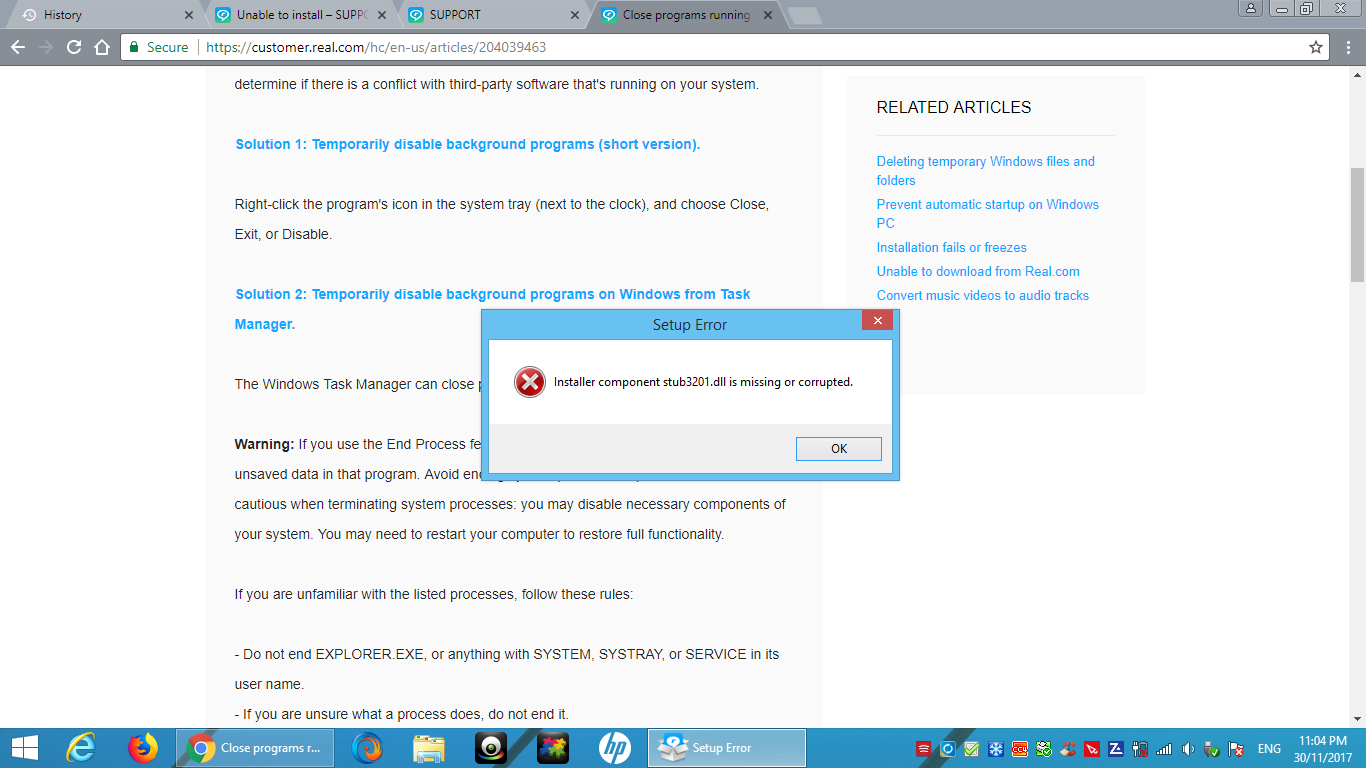
even try all the method giving by real management
-
Commento ufficiale

Try the following steps to resolve the issue.
1. Go to Control Panel and uninstall RealPlayer.
2. Go to https://support.microsoft.com/en-us/help/17588/fix-problems-that-block-programs-from-being-installed-or-removed and download and run the installer.
3. Once the Fixit program opens, click Next.
4. Select Uninstalling.
5. You will see a list of programs installed. Scroll down and look for "Video Downloader". Select that and click Next and click on "Yes, try uninstall". This will remove the application.
6. Run the Fixit program once again. (You will need to run this program a few times)
7. Follow steps 4 and remove the following programs (in the said order)
a. RealUpdgrade 1.1
b. RealDownloader
c. RealDownloader
Note: You have to run Fixit each time you want to uninstall these applications.
8. Delete Real & RealNetworks folders from
a. C:\Program Files (x86)
b. C:\Programdata
c. C:\Users\<your username>\AppData\Roaming
d. C:\Users\<your username>\AppData\LocalOnce you have uninstalled all of them and deleted the folders, restart your computer. Download RealPlayer from www.real.com. Ideally, this should install properly.
-

I've gone through all the suggested help but I still cannot use the Real Player Plus that I downloaded yesterday. I cannot play a DVD or burn a DVD. The Real Player window still wants me to buy the RP Plus version that I paid for yesterday.
help
mel
0 -
Mel,
You will need to sign in with the email address you purchased RealPlayer Plus. This will unlock your paid features. You should be able to burn and play DVDs after that.
0
Il post è chiuso ai commenti.
Commenti
3 commenti