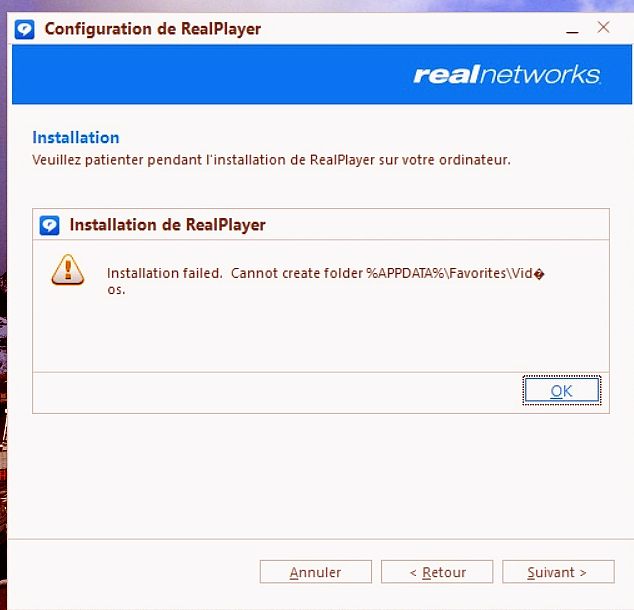
L'installation ne réussit pas

-1
-

This is because you have "Beta: Use unicode UTF-8 for worldwide language support" enabled. You will have to disable this to resolve the installation issue.
Please follow these steps:
- In the Windows search button type "intl.cpl" without the quotes and click OK.
- Region Settings window will open, click Administrative tab.
- Under Language for non-Unicode programs, click Change system locale and then on the next window, uncheck "Beta: Use unicode UTF-8 for worldwide language support"
- Click OK and restart your computer.
- After restart, proceed with the installation.
0
Accedi per aggiungere un commento.
Commenti
1 commento