extending the length in realtimes stories

I was making my second story on realtime and for some reason I could not extend the length of the music like I did on the first story. It was shaded out. example: 90 seconds or 2 minutes. Also I saved as my story but it's nowhere to be found.
Thank You.
-

You will need to sign into RealPlayer with the email associated with your RealPlayer Plus purchase which is your Comcast email address.
Once you sign in with this email address, the Plus features will be activated and you can create a story longer than 30 seconds.
You can find your Saved Stories if you click Stories --> Saved tab in RealPlayer
Please note: If you've changed computers, you won't see it. You can see it here only the PC you saved the story.
0 -
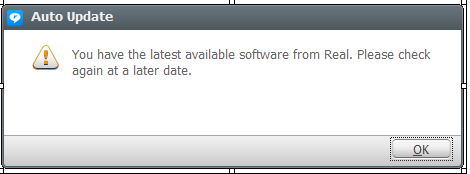
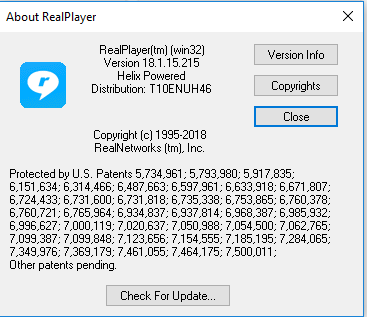
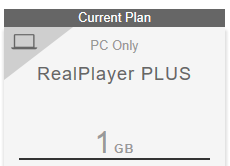
I am so confused! I signed out and in again but for some reason I can't go over one minute when making a story. Also I am unable to share my stories. I know I upgraded to Realplayer 18 plus and it shows it under "Account settings my current plan" but under help, "about realplayer" it just shows version 18.1.15.215. So do I have Version 18.1 plus or not?
 0
0 -
Any help would be very much appreciated.
Thank You
0 -
You do have the latest version of RealPlayer Plus v.18. We sent you an email. We'll take it from there.
0
Post ist für Kommentare geschlossen.
Kommentare
4 Kommentare