Can't switch to Dark Mode

Hello.. I've updated the player to the new version, but I'm not able to use the Dark Mode, because there isn't the symbol on the player to choose them.
Can you help me please ? Thanks in advance.
-

If you are using Windows 7, Dark mode won't work. What is your Windows version?
0 -
Oh, sorry I forgot to wrote this information. It's a notebook with Windows 10.
0 -
You should be able to switch to Dark Mode if you are using a Windows 10. Can you please send us a screenshot of your RealPlayer? Also, please confirm the version number of your RealPlayer.
0 -

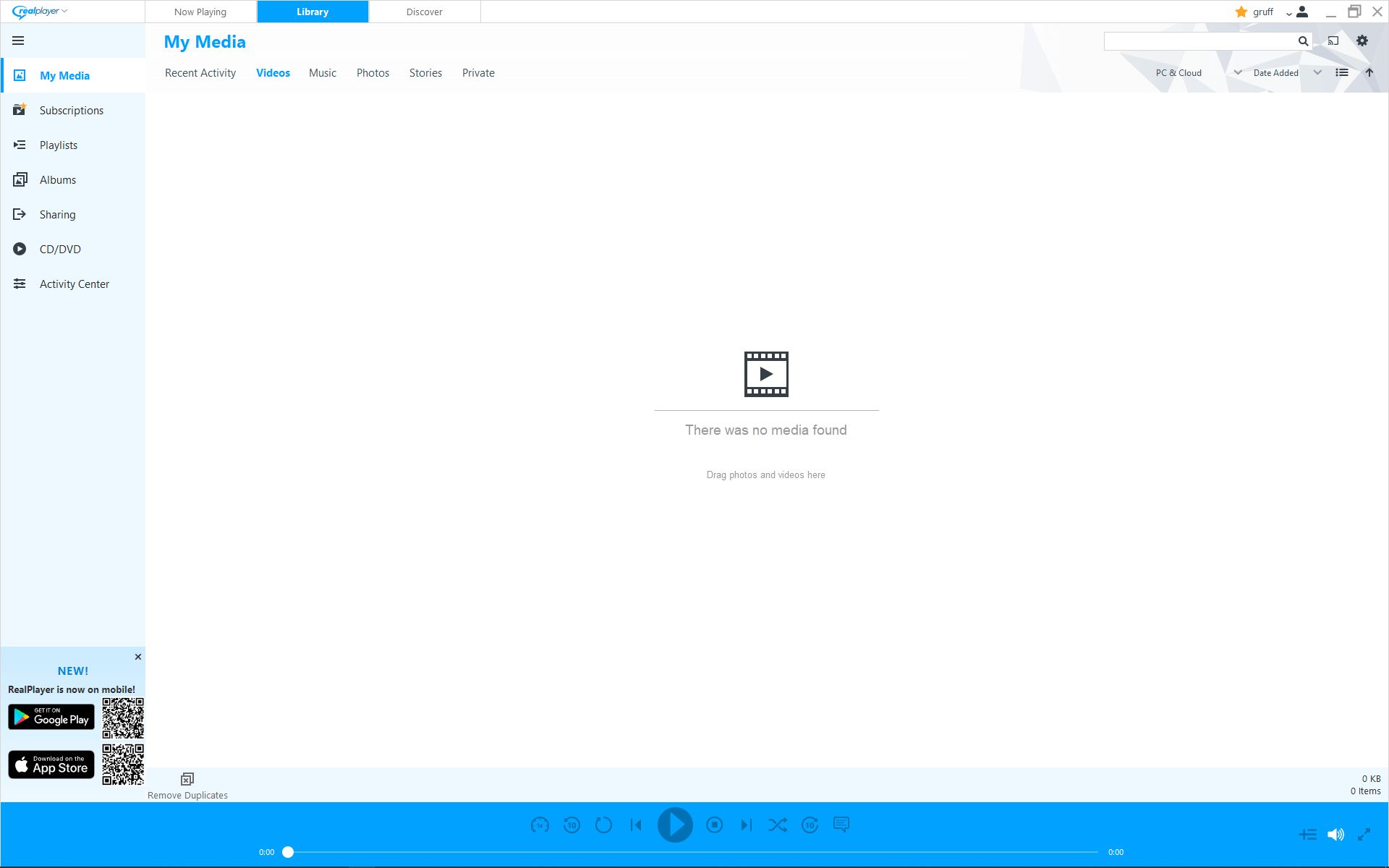
Was there a solution to this? I have latest vertion as of March 5th 2023, on Windows 10 and there is no icon for changing to dark mode. Even bought the package asuming it was a paid for feature. Upgraded, rebooted. No icon.
The large blue bar along the bottom is a complete distraction when watching videos. All old versions of real player were much better on the eye. This is a complete joke.
Totally frustrated and looking for a refund.
 0
0 -
Gareth,
Can you please send us a screenshot of your System Information? Right click on This PC, click Properties. Capture the screenshot and send it over. The blue bar that you are referring is the Downloader. If you don't want it to show, you can disable it. Please note: By doing so, you can't download videos this way. Here are steps to disable it.
- Open RealPlayer.
- Click RealPlayer logo from the top left corner and click Download a video. (Will open another window)
- Click RealPlayer Downloader logo from the top left corner and click Preferences.
- Uncheck "Turn on Download This Video"
0
Post ist für Kommentare geschlossen.
Kommentare
5 Kommentare