Watching Commercial DVDs

Just bought ver. 18 because it said it could play in "Theater Mode." When I play a commercial DVD (I've tried multiple ones) and select Theater Mode there is still a tool bar at the top and bottom of the screen and the video itself in in a little tiny 6 or 8 inch block inside the edge to edge black screen. This is not "Theater Mode." Perhaps I am doing something wrong? If not I want my money back and I'll uninstall it.
Also the arrow keys on my keyboard do not work.
-
Offizieller Kommentar

First, please make sure you have signed in to RealPlayer and have the Plus features enabled - for sign in instructions, click here: Signing in to RealPlayer
Next, please check out the following articles to learn about turning on Theater Mode and resizing your video in RealPlayer:
If the issue persists after following the suggested steps, please send us a screen shot of what the DVD playback looks like on your PC, so we can investigate this issue further - see: Sending a screen shot to Technical Support (Windows)
-
I am signed in and selected Theatre Mode and then Fit to window in accordance with the instructions. It does not work and I am unable to get the small picture window to show in a print screen. I don't understand this. Print screen saves a .png file and when I save it as a .jpg the picture window does not show:
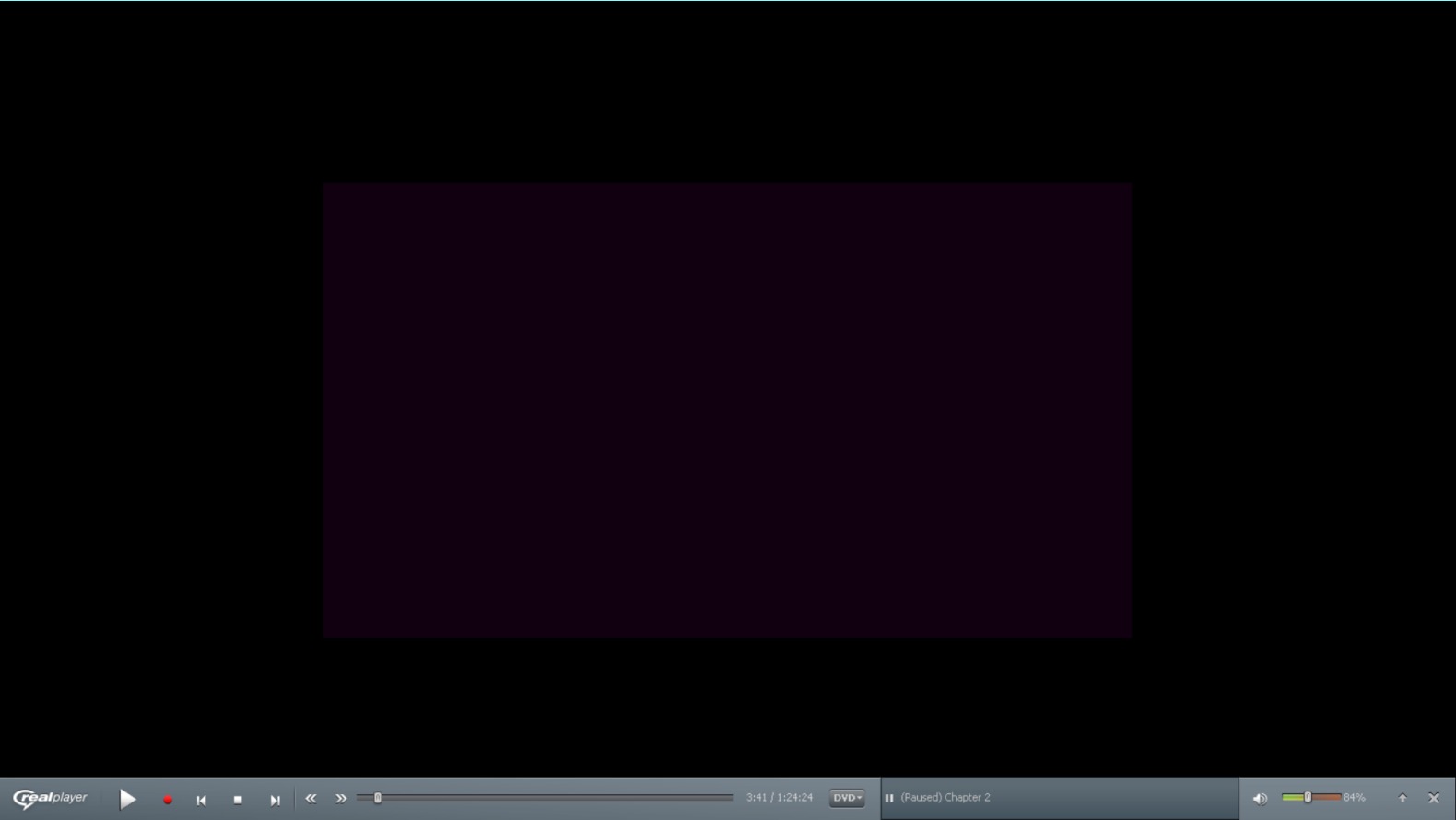
Here a a pic from my camera to show you what I see with my eyes, that I cannot get to show up in either a print screen or in a .jpg made from the clip tool:

I would love to understand this. Please help.
0 -
Thank you for the pictures. If you are using Windows 10 as your operating system, I would advise you to try the solution from this article I found online:
http://www.thewindowsclub.com/full-screen-problems-windows-10
0 -
I do have Windows 10, in a new device - not an upgrade OS. I tried the suggestions in your link for full-screen problems, and am unhappy with the result. By turning the resolution down way below recommended for my device I can get the DVD to play full screen, but it keeps greening out (all green screen) occasionally and constantly throws purple boxes all across the screen. I have tried several resolution settings without success. See following screen print. Your product is apparently not compatible with Windows 10 and I want my money back.
 0
0 -
We're sorry to hear RealPlayer Plus didn't work out for you. We have emailed you a refund confirmation.
0
Bitte melden Sie sich an, um einen Kommentar zu hinterlassen.
Kommentare
5 Kommentare