No Longer Able To Download AnyVideos

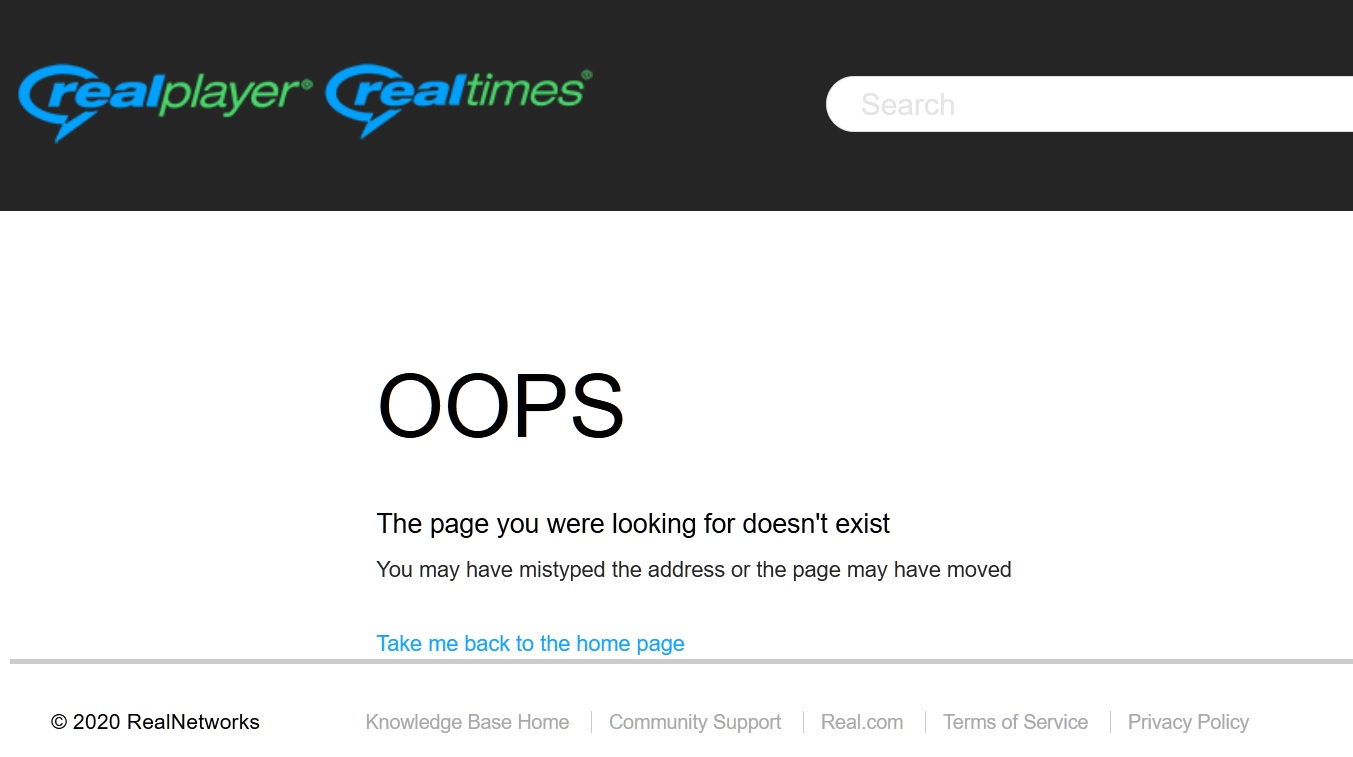
I sent in a "New Post," and got back a rather generic reply ?computer generated?" I completely uninstalled real with a special program and did a clean install went to videodl.exe and instead a 2020 date i got 5/11/2019. These are photos of what I was faced with from your first crappy reply and after reinstall.
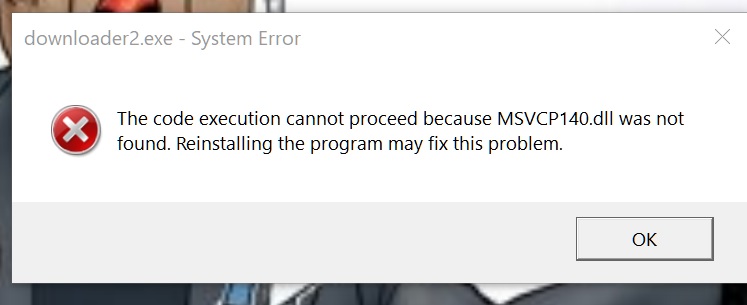
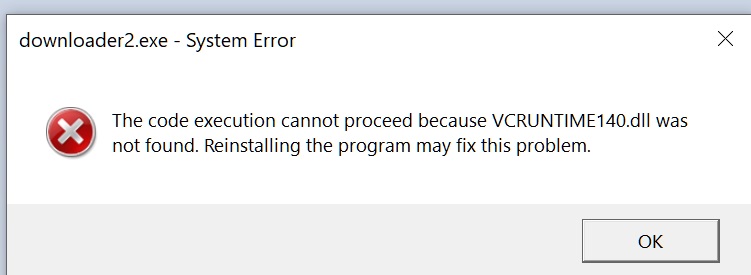
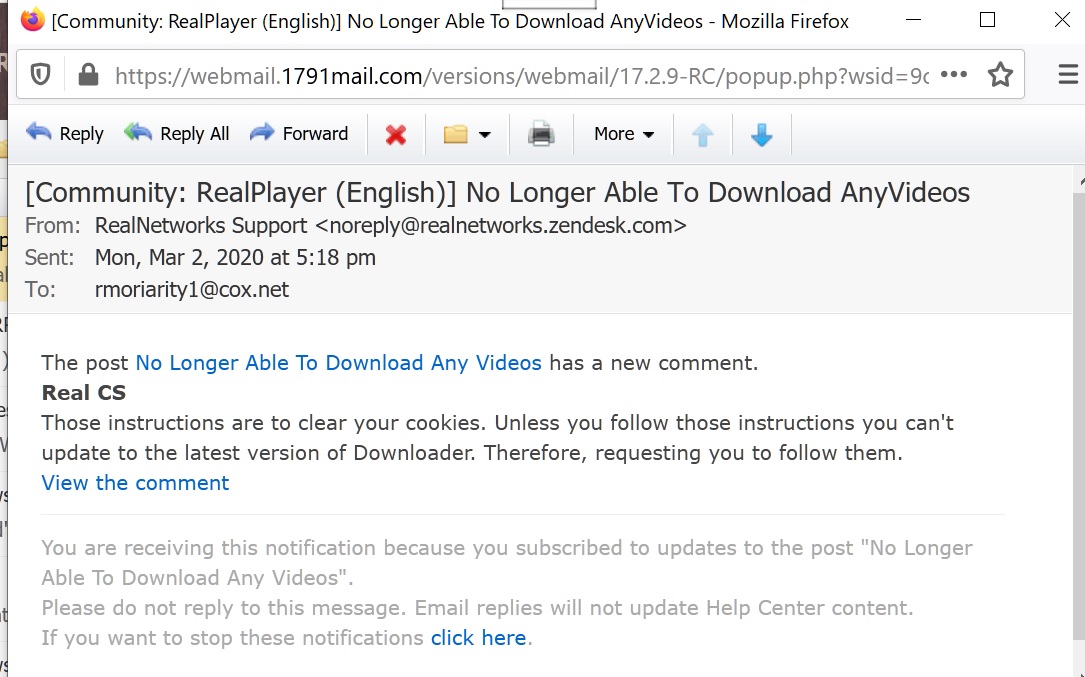
-

Please follow these steps to update your Downloader.
1. Type Internet Options in the Windows search bar or open Internet Explorer and click Internet Options.
2. Under Browsing History, click Delete and Delete again when prompted.
3. Click OK and close Internet Options/Internet Explorer.
4. Open one of the web browsers (Google Chrome, Mozilla Firefox, Microsoft Edge) and go to YouTube.com.
5. Click the Download This Video button. (You will still receive "No videos to download" message at this time)
6. Close all Windows and restart your PC.
7. Go back to your web browser and download a video. (You should be able to download videos again)This would update your videodl as well. If it still remains to be the older version, please let us know.
0 -
This response is another computer generated steaming pile of ..... I use win 10, FF and I have it that when I log-off it clears the history. DID YOU EVEN READ THE NOTE AND LOOK AT THE PIXS? Please if you don't want the company I'll buy it for an US dime. Then hire about half the # of computer oriented staff and run a much better product.
0 -
Those instructions are to delete cookies and are not auto generated. Anyway, we released a new version yesterday. Please reinstall RealPlayer so you get the latest version.
If the issue still persists, please let us know.
0
Post is closed for comments.
Comments
3 comments