Converter

When I convert Albums, how do I make the converted files appear as Albums in my Library?.
-

Can you please provide the following information:
1. What file format are you converting it to?
2. Are you referring to thumbnails?
3. Lastly, are you looking at the Videos section or the music section?
0 -
1. I am converting it to MP3.
2. No, I am not referring it to thumbnails.
3. I am looking at the music section.
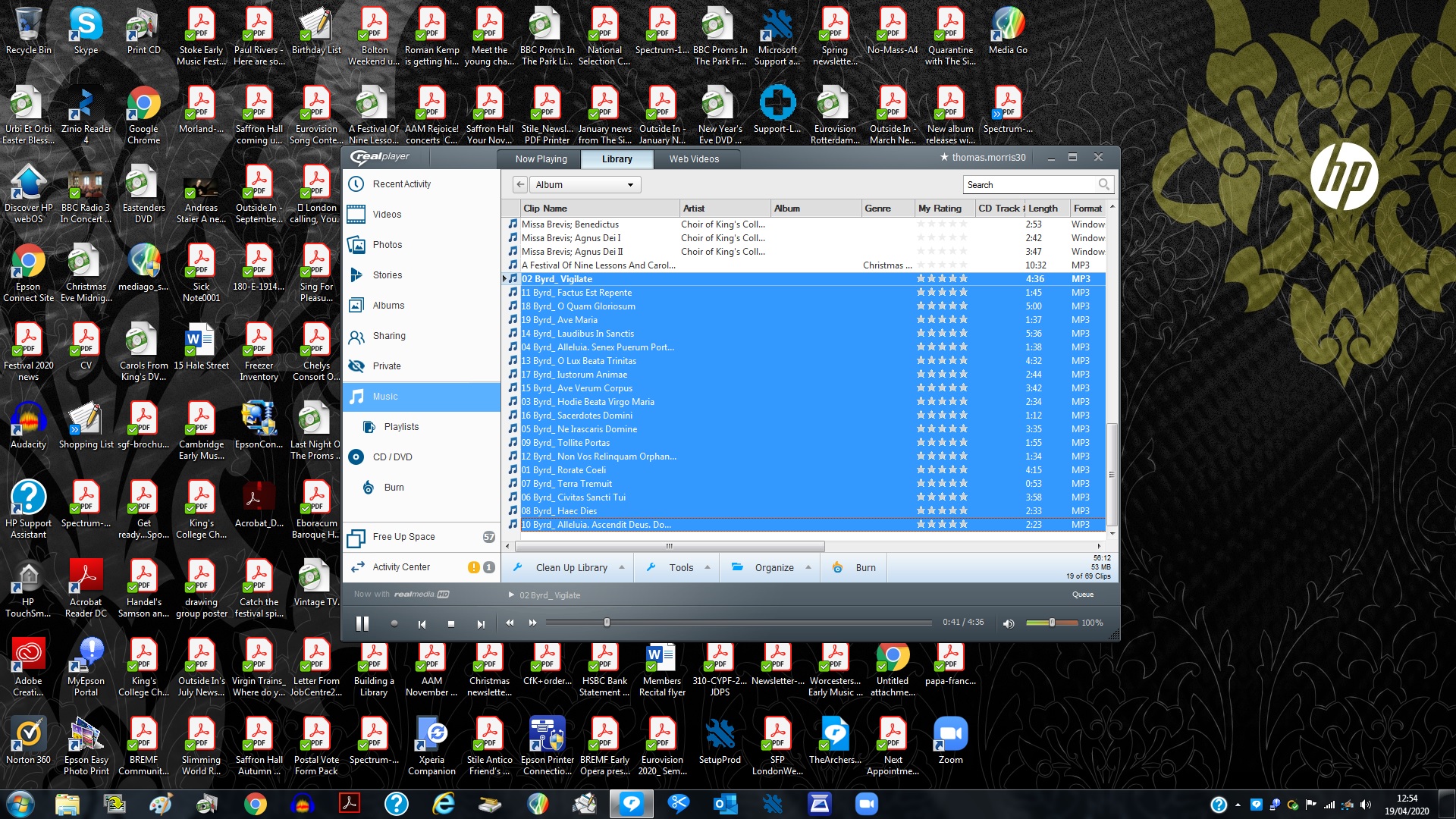 I want the selected files to appear in the same album as the selected album.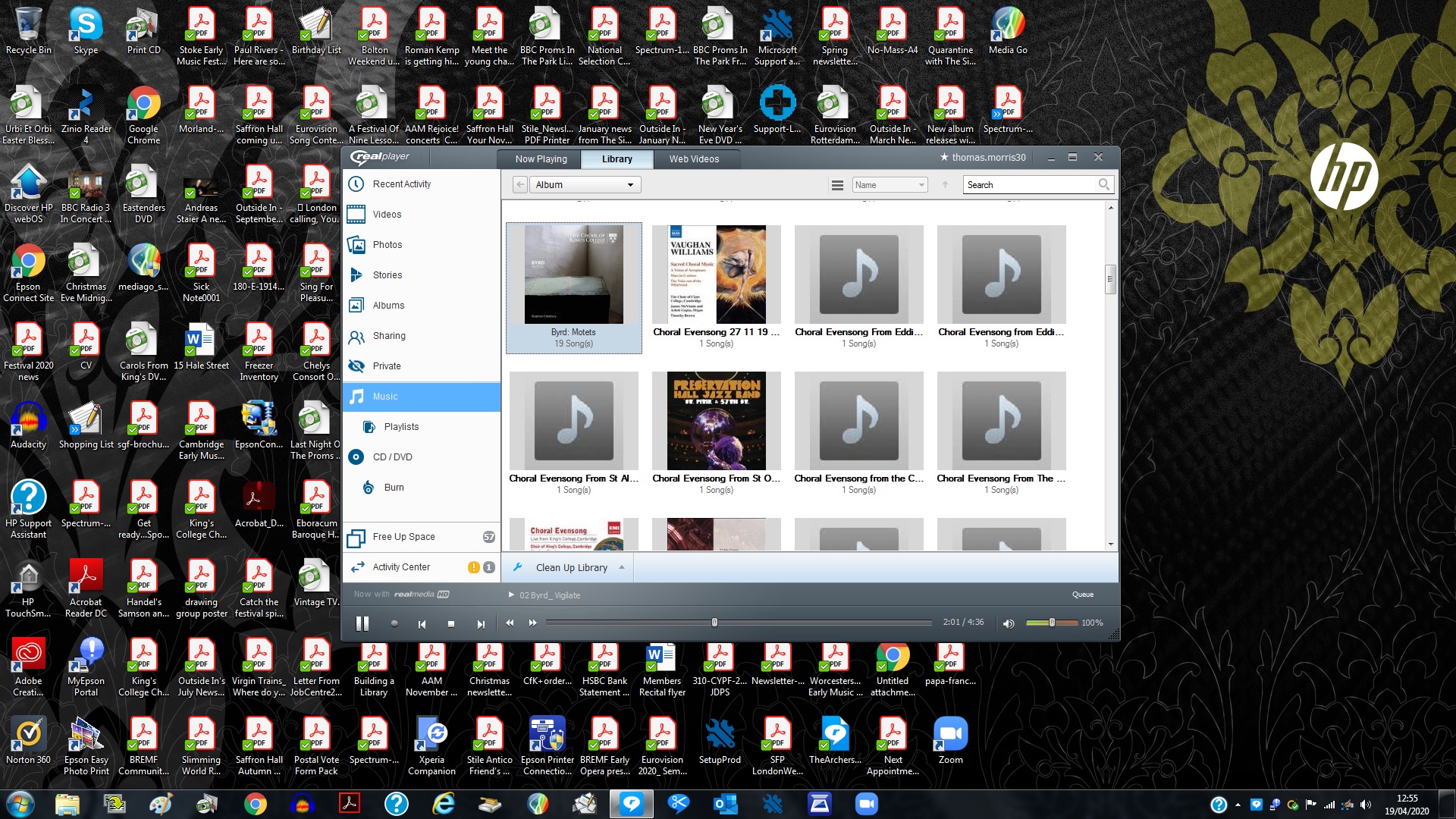
I want the selected converted files in screenshot one to appear in the same album as screenshot 2.
0 -
You will need to follow these steps to ensure they all fall under the same Album.
1. Right click on song file in your music library and click Detail.
2. In the Album section, please enter the album name.
3. Click Ok.
You can also edit Artist, Genre etc here.
0
Post is closed for comments.
Comments
3 comments