can't view any clips when launching

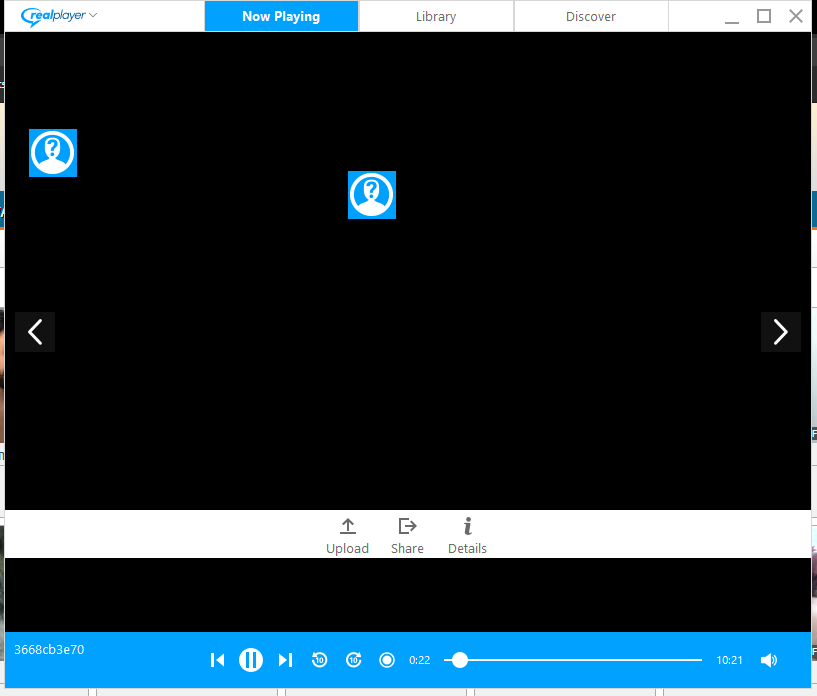
not sure why i am not able to view clips that i attempt to play back, all i get is a blank screen when i randomly try to view clips. The only way i can visibly see the clips is when I trim them. I never had this issue with RP 18? what is going on am i missing something??
0
-

Can you please send us a screenshot of what you are seeing? It will help us better understand the issue.
0 -
 0
0 -
Please follow these instructions:
1. Open RealPlayer.
2. Click the RealPlayer logo, then Preferences.
3. In the Category pane, select Hardware.- Under Video Card Compatibility, move the slider bar Most reliable.
- Click OK twice to save the changes.
- Close out of RealPlayer, restart RealPlayer.0 -
thanks, it worked!! i guess this can be closed :-)
0
Post is closed for comments.
Comments
4 comments