Can't burn DVDs

Burning will continue until shortly before completion then I either get unknown error: 2130932483 or Device Error Timeout: device may have been removed or replaced. Neither is the case. Please advise.
0
-

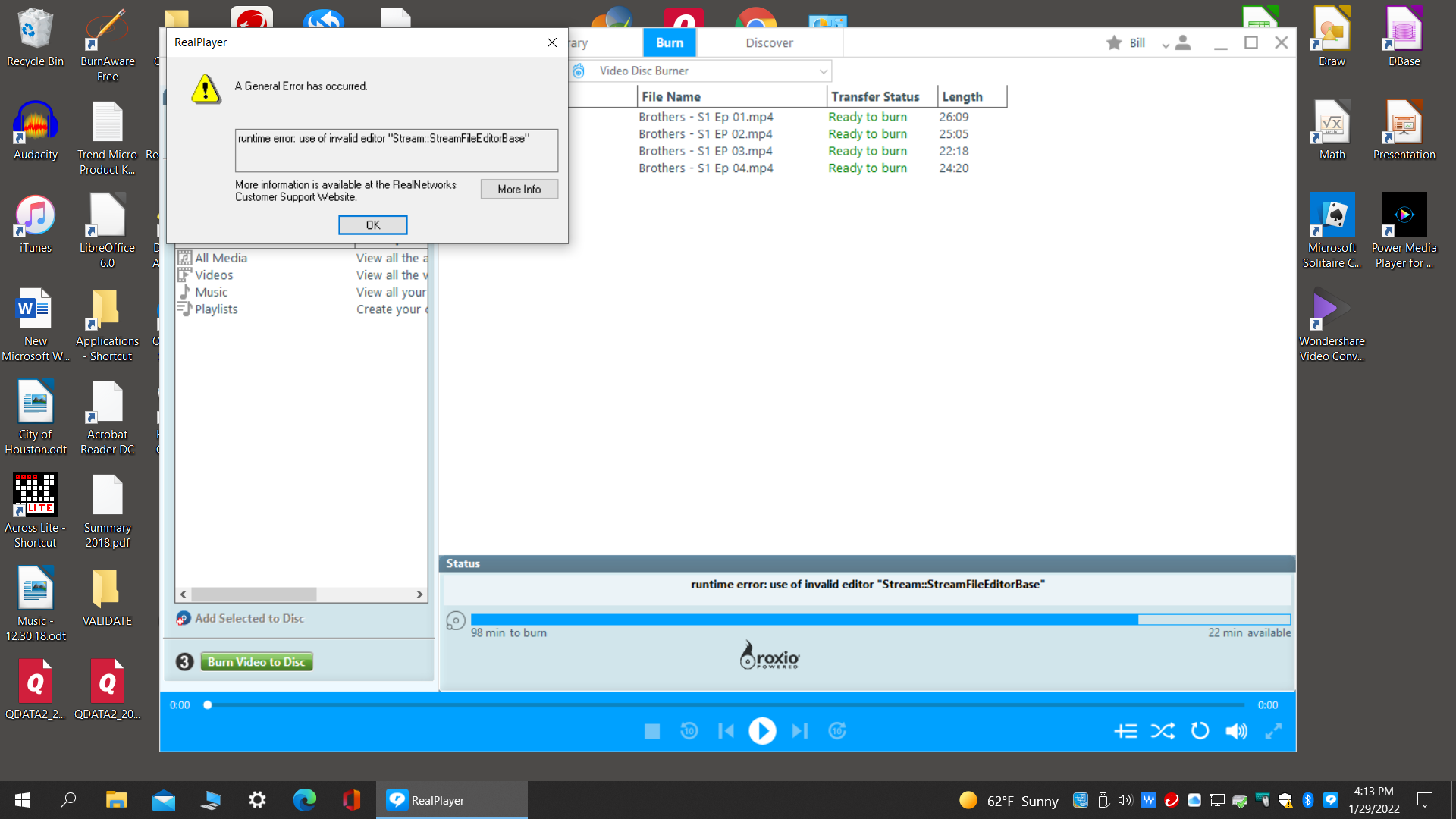
While trying to burn DVDs, I get this message: How do I correct this?
 0
0 -

Shayne,
Device Error Timeout: is a hardware error. You seem to be having a hardware failure. Please use an alternate DVD drive to burn your videos.
-1 -
Bill,
One or more videos in your burn list have incompatible codecs. The best solution would be to use RealConverter and convert them to MP4 even if they are currently in MP4 format. Using RealConverter and converting these videos to MP4 format will ensure that they are compatible with RealPlayer DVD burn.
0
Post is closed for comments.
Comments
3 comments