Adding Media

Real Player crashes everytime i try to add media to it, why is this happening? I tried several times after rebooting my machine. Please help. Error message below.
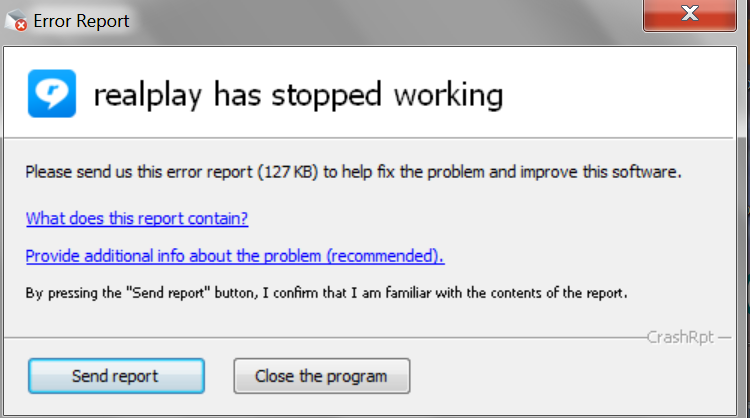
-

This can happen if your library database is corrupted. If you have don't music playlists created, you can follow these instructions.
Please note: If you intend to follow these steps, you will have to recreate your music playlists. This will not impact any of your files though.
0 -
Three questions:
1.Are you customer support or a member of the community, just curious?
2. Can playlists be saved?
3. Could it be something else?
0 -
Here are the answers to your questions.
1. We are customer support of RealNetworks.
2. Playlists can't be saved directly from the player but can be done by a different way. You will find a file named library.db. Here is where your playlists are stored which can't be viewed manually.
C:\Users\user\AppData\Local\Real
Copy this file (library.db) to your desktop so it is backed up. Once you reinstall RealPlayer, you can always copy this library.db back to the original folder.
3. Lastly, it could also be a specific file or files that are corrupt that may be crashing RealPlayer.
0
Post is closed for comments.
Comments
3 comments